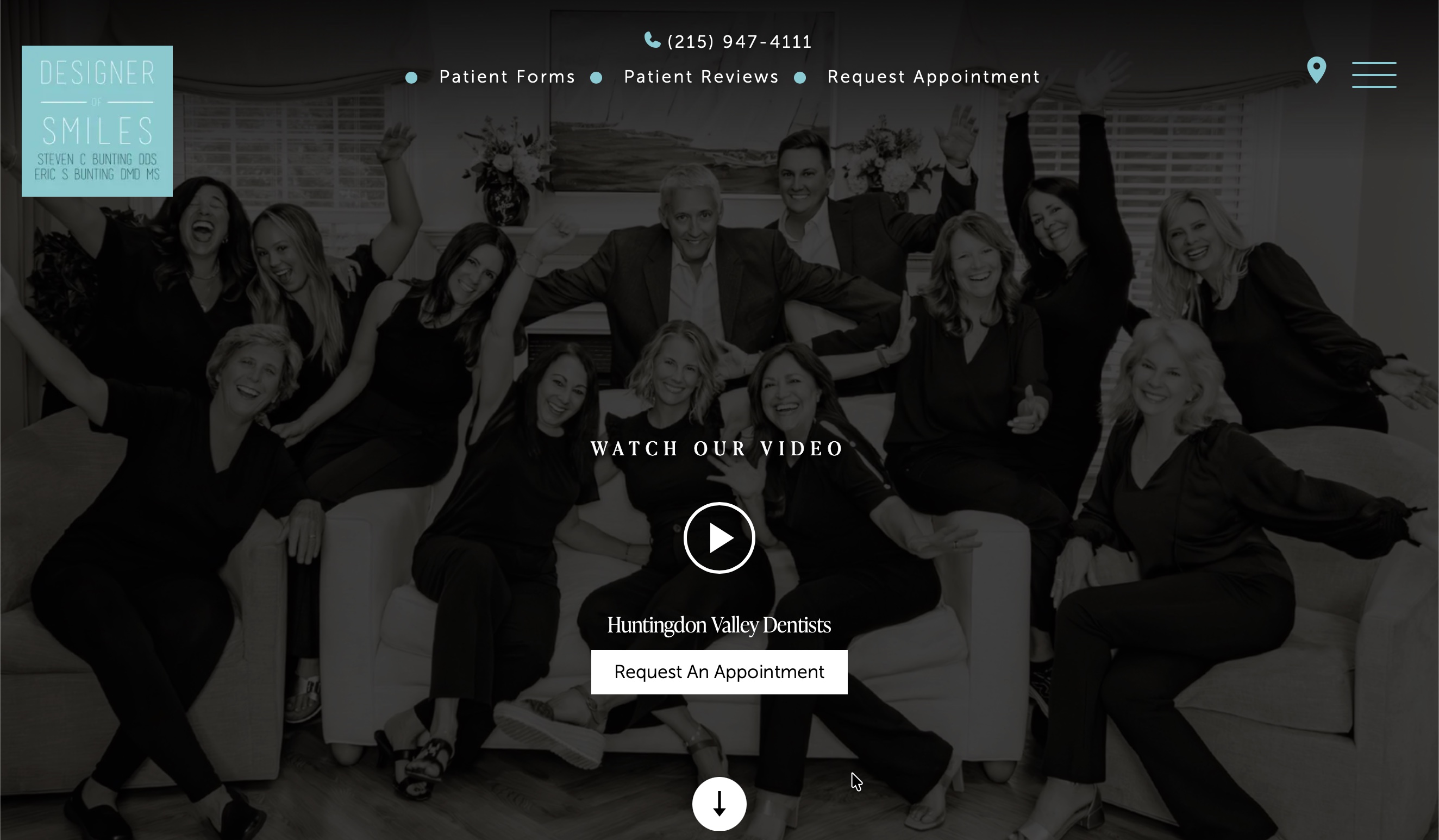
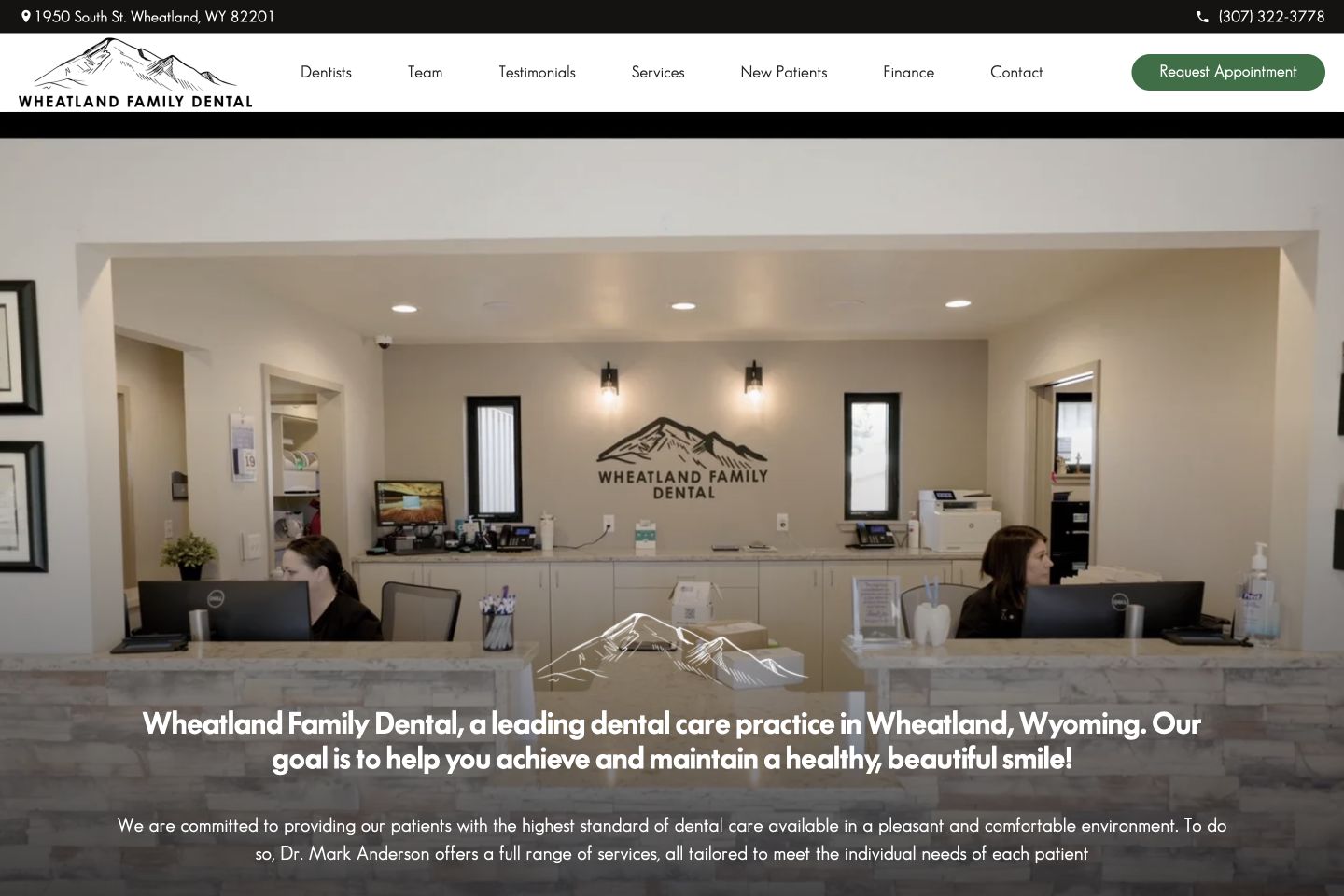
Photo placement New doctor photo
INTRODUCTIONA familiar face.
A familiar face.
A personal approach.
Thoughtful dentistry, built around you.
Request an appointment ↗PixelYour Website Agent
Help visitors understand your care, get to know your people, and find their next step. Pixel keeps your website moving with your practice, from useful updates to a more welcoming patient journey.

What this means for your practice
Keep your people, services, photos, and information current, so visitors get an accurate sense of who you are.
Help prospective patients find answers, contact the office, and use appointment paths without unnecessary confusion.
Turn new ideas and requests into considered website updates, with human design direction and attention to search, accessibility, and speed.
From published member reviews
“Whenever I request changes or updates, the response is lightning fast. I wish other companies I work with were as fast as this group!”
“Greg and his team are very quick to respond and got a nice looking website up for us quickly.”
See how Pixel supports that work
An illustrated look behind the service.Pixel / Behind the work
Connected agents move the work forward. Human direction shapes the design and safeguards the quality.
An email with a photo attached—or a transcribed voice message—starts the work.
The intake agent identifies the requester, matches the member website, and routes the request to Pixel.
Pixel loads the site’s history and backend knowledge, including forms and their processing paths.
A director supplies examples and clarifies the layout. Good design starts with human direction.
Human direction / reviewPixel makes the change using the member’s website and system context.
The update is checked against SEO, AEO, ADA accessibility, and performance standards, with human quality review.
Human direction / reviewThe previous version is retained, the updated version is recorded, and the approved change is deployed and checked live.
Reply to the originating email with the completed work and page link. A voice request follows its agreed return channel.
01 / Request arrives
Please add the attached photo beside the introduction. Here’s an example of the layout we like.
doctor-photo.webpImage attached ↗“Please add the new doctor photo beside the introduction.”
02 / Identify & dispatch
✓ Requester identified
✓ Designer of Smiles matched
✓ Photo and instructions attached
03 / Load the context
04 / Human design direction
A person sets the visual direction. Pixel handles the implementation.
05 / Implement the update
Photo placed. Layout updated. Existing patient paths preserved.
06 / Check & review
Design, content, and implementation reviewed before release. Findings return to Pixel for correction.
07 / Save & deploy
A record of what changed. A route back to the earlier version.
08 / Close the loop
The new photo is beside Dr. Bunting’s introduction. The updated page has been reviewed, deployed, and checked.
View the updated doctor page ↗Request → work → review → release → reply.
Illustrative animation with scripted requests, messages, and activity. Human direction and review remain part of the work.
Pixel in motion
A glimpse of how an update comes together for a member’s website.
Personal care. Confident smiles.
New doctor photoThoughtful dentistry, built around you.
Request an appointment ↗Illustrative workflow using a member website. Requests and action updates are scripted for this demonstration.
Explore our website work
One coordinated team
Pixel brings Echo’s patient stories onto your website and gives Amp’s campaigns a useful destination. Scout helps uncover technical problems; Guard keeps the required checks and follow-through connected.
Forty years of Marketing Engineering experience, with people setting the direction and reviewing the details. The agents help put that experience to work for your practice.
A conversation. Not another calendar.
Ask a question in chat or give us a call. Already a member? Let us know so we can get you to support.

We cater exclusively to dentists and have a sincere interest in the success of each members practice. We attribute our success to working closely with our members to ensure their complete satisfaction. We take excellent care of our members. We listen to what they want and combine it with what we know works.

© 2026 DentalWebsites.com (Advanced Web Systems ®), All rights reserved.